Physical Address
304 North Cardinal St.
Dorchester Center, MA 02124
Physical Address
304 North Cardinal St.
Dorchester Center, MA 02124

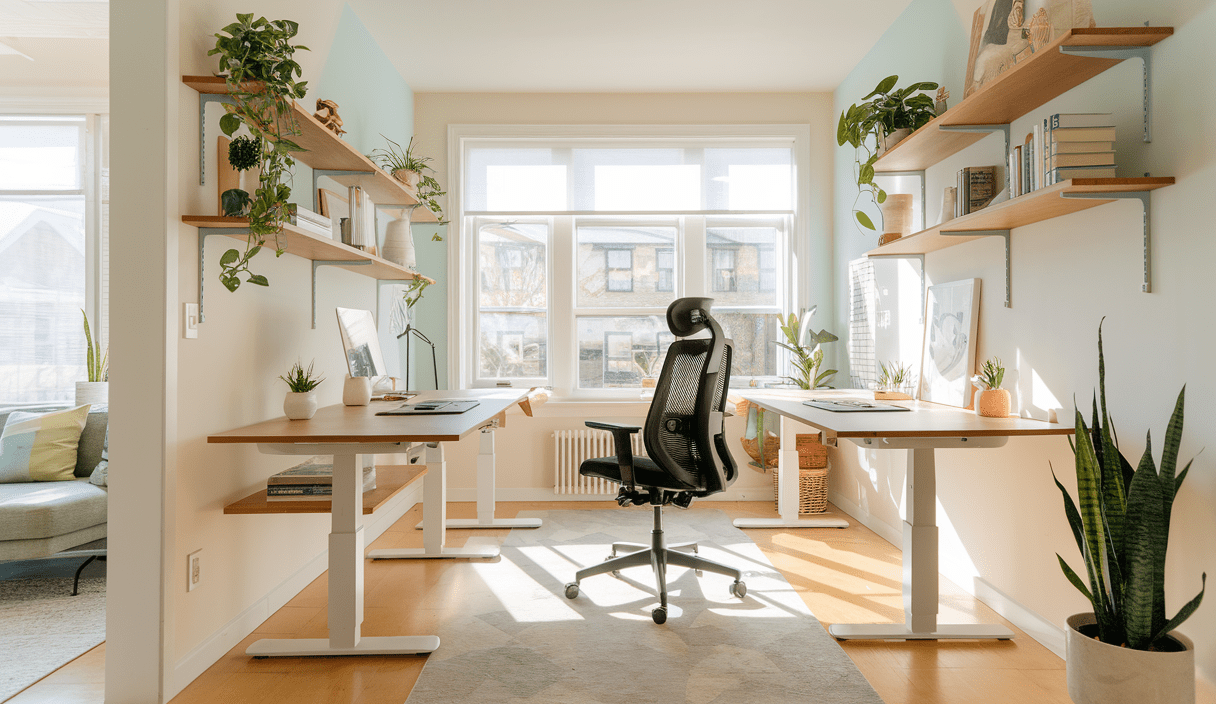
Designing a Productive Home Office starts with clear goals: comfort, focus, and flow. Whether you work full time from home or need a dedicated corner for side projects, an intentional design helps you do better work with less stress. In this guide you’ll find practical tips, layout ideas, lighting advice, and storage hacks to build a space that supports deep focus.
Good design reduces friction. It makes it easier to sit down, focus, and finish your most important work. If you want fewer distractions and more productive hours, start by designing a productive home office that fits how you actually work.
These principles guide every choice, from desk height to decor.
Your layout sets daily habits. Start by mapping how you use the space: meetings, focused work, phone calls, or creative thinking. Ask: where will the computer be? Where will I take calls? Where will I keep reference materials?
If you have a compact room, use smart furniture and vertical storage. See these quick steps:

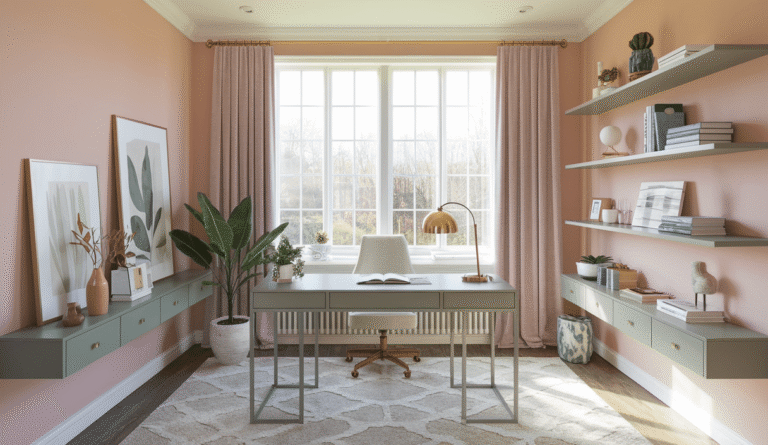
In larger rooms, define areas with rugs, shelving, and lighting. Consider these zones:
Furniture influences comfort and movement. Choose pieces that support tasks and reduce strain.
Pick a desk sized for your workflow. If you use multiple monitors or reference books, opt for a larger surface. For flexibility, a sit-stand desk encourages movement and reduces fatigue.
Invest in a chair with lumbar support, adjustable height, and a comfortable seat pan. Proper support prevents aches and helps you stay focused longer.
Effective storage keeps the desk clear. Use a mix of open shelving for frequently used items and closed cabinets for clutter. Label boxes and files to speed retrieval.

Good lighting improves alertness. Combine three layers:
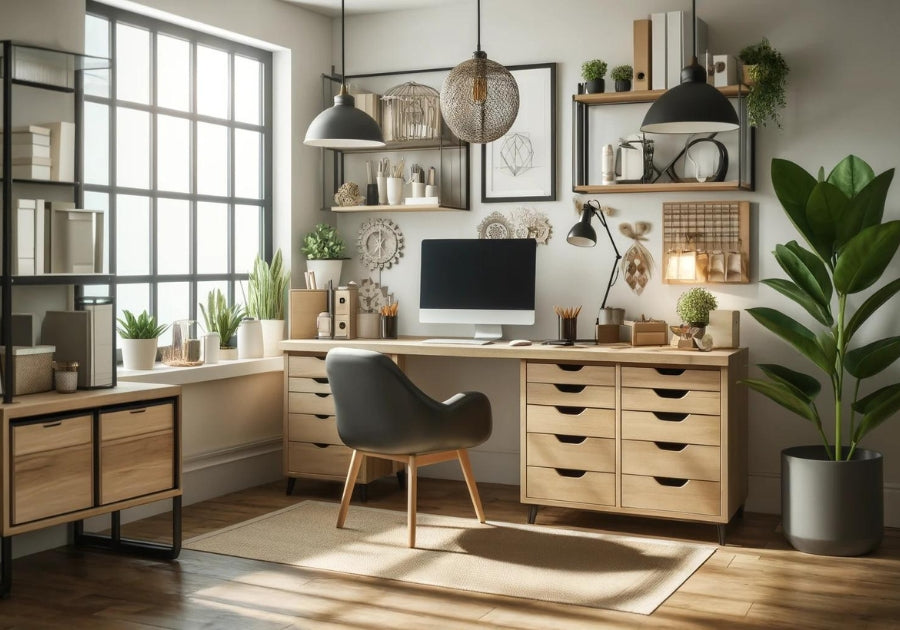
Color and acoustics shape how you feel. Soft blues and muted greens calm the mind. Add rugs or acoustic panels if noise is a problem. Bring in a few low-maintenance plants to clean the air and lift mood.
Tech should help, not distract. Use these tips:
Designing a productive home office isn’t only about objects — it’s about routines. Use your space to cue work habits.
Personal items make the office pleasant. Add meaningful objects but avoid clutter. A framed photo, a small plant, or a favorite mug can create comfort without distraction.
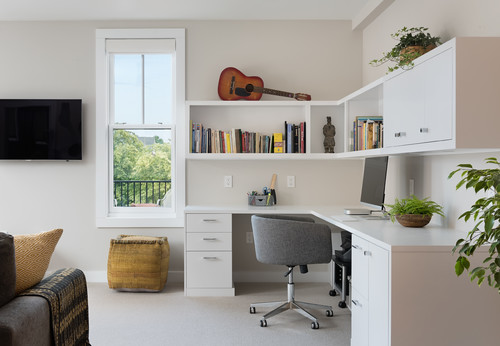
Reduce visual clutter by committing to a simple storage routine:
Small additions can make a big difference:
Look for ideas from designers and real people who have built efficient home offices. For practical DIY tips, check this post about designing productive home office setups that focus on ergonomics and custom desks. If you want a creative checklist, this Medium guide shows how simple environmental tweaks support deep work.
For community ideas and visual inspiration, see a lively Reddit discussion where people share setup photos and motivational tips. If you want step-by-step tips with budget-friendly sources, this 14-tip roundup covers IKEA and Amazon options. For an 8-step approach to productivity-focused layout, see this practical list.
Avoid these mistakes when designing your home office:
Source: YouTube — Designing a Productive Home Office
You can build a highly functional office on a budget. Prioritize ergonomics, lighting, and storage. Splurge on a quality chair or sit-stand desk if your budget allows. The rest — decor, accessories, and organizers — can be affordable.
Set weekly habits to keep the space tidy. Quick routines — 5 minutes of desk clearing at the end of the day — keep the environment ready for the next session. Periodically declutter and reassess whether your layout still fits your tasks.
Jane, a freelance writer, redesigned a spare bedroom to improve focus. By swapping a bulky desk for a compact sit-stand surface, adding a task lamp, and installing floating shelves, she reduced distractions and increased daily output. Her secret? A simple start and repeated small improvements.
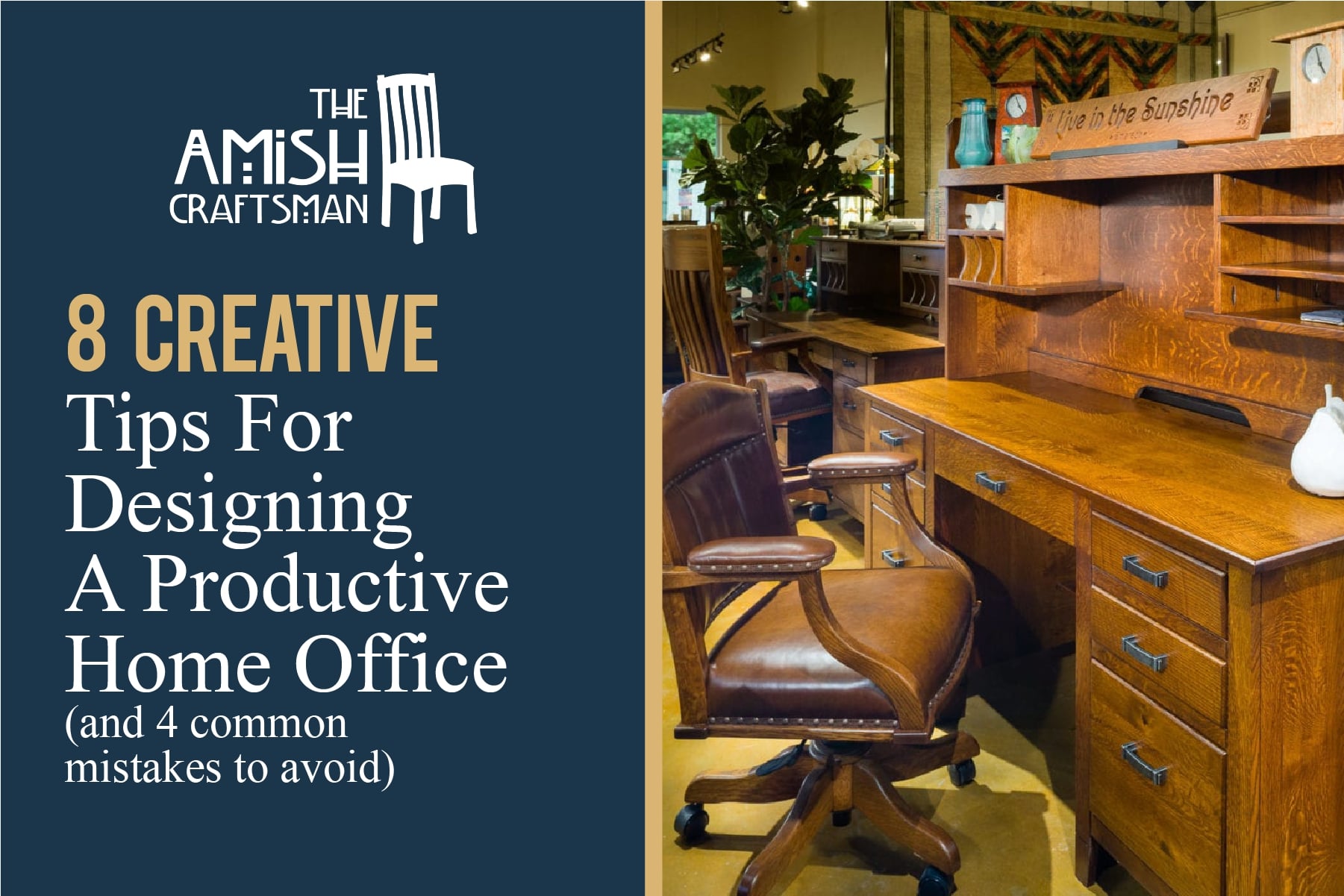
Explore designer galleries and how-to articles for visual references. The image and layout ideas from sources like Amish Craftsman Furniture and Aspen Homes can spark creative solutions for furniture and finishes. If you prefer step-by-step design help, look through trusted blog posts and community threads to learn from others’ experiments.
Designing a Productive Home Office is a process, not a single purchase. Start with the essentials — ergonomics, light, and storage — then iterate. Small tweaks compound into a workspace that supports your best work.
Ready to build your ideal setup? Start small, test what works, and make changes that fit your routine.
For more inspiration, check detailed guides and visual examples at the linked resources above and adapt ideas to your needs. Happy designing!
Begin by clarifying your main tasks and pain points. Prioritize ergonomics, lighting, and storage, then arrange your desk and monitor to match those needs. Use the checklist in this post to complete a weekend setup.
Your desk should allow elbows to rest at about 90 degrees when typing. The top of your monitor should sit at or slightly below eye level. Use an adjustable chair with lumbar support and set it so your feet rest flat on the floor or a footrest.
Create visual separation with a room divider or rug, use noise-cancelling headphones, and establish clear work hours with household members. Keep work items organized and out of sight when not in use to signal boundaries.
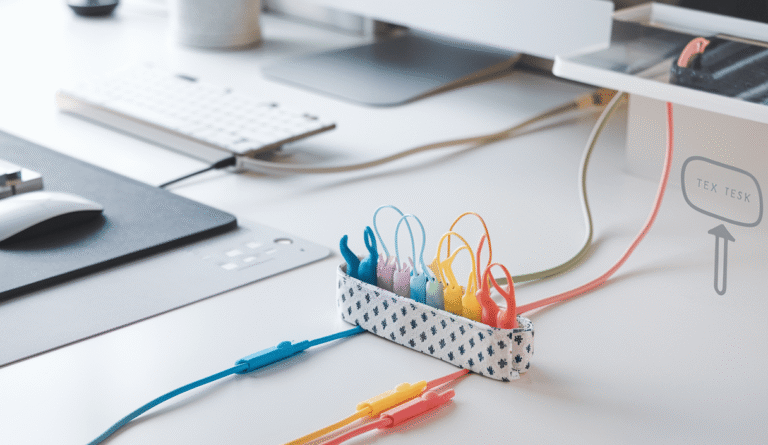
Add a task lamp, a laptop stand, ergonomic keyboard, and cable organizers. Use wall shelves and storage bins to clear desk clutter. These inexpensive changes often produce immediate gains in comfort and focus.
Want more practical guides and inspiration? Explore more guides on zenpulsehub.com to take your home workspace further.