Physical Address
304 North Cardinal St.
Dorchester Center, MA 02124
Physical Address
304 North Cardinal St.
Dorchester Center, MA 02124

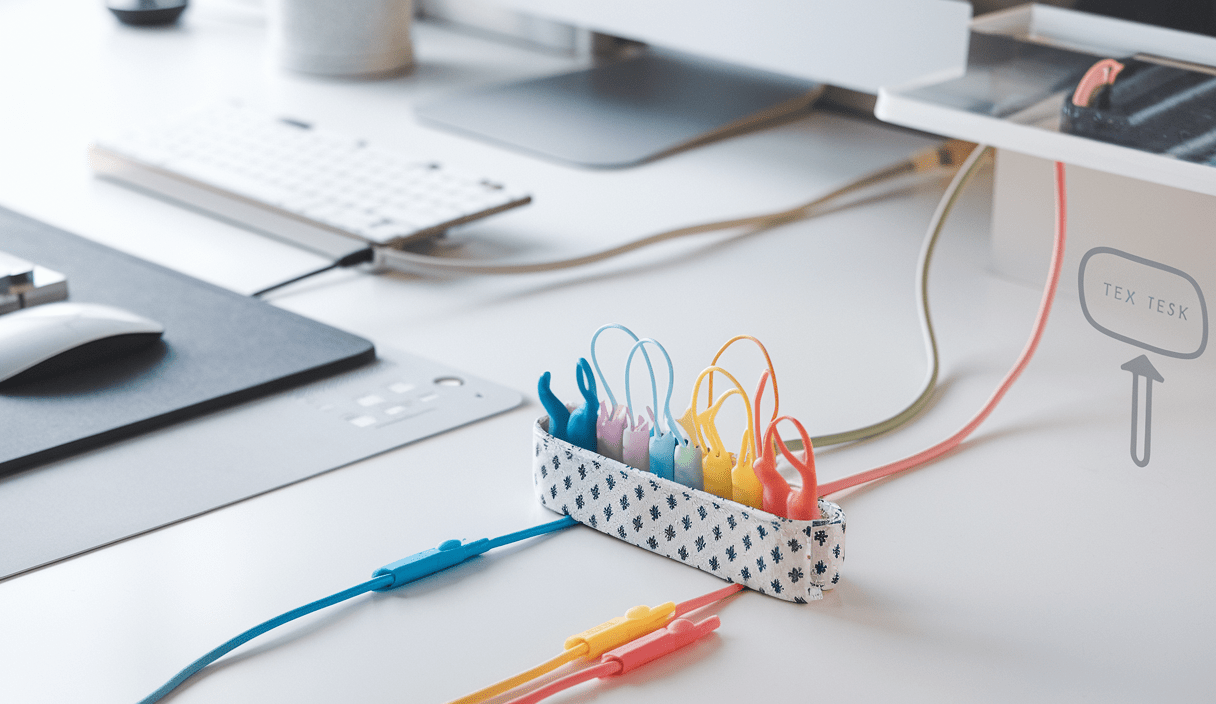
Organize Cables and Wires Smartly from day one to avoid clutter, tangles, and frustration. Whether you have a busy desk, home entertainment center, or a drawer full of chargers, these simple steps and products will help you create a clean, safe, and efficient setup.

Cluttered cables cause wasted time, stress, and even safety issues. **Tidy cables improve airflow, reduce tripping hazards, and make devices easier to use.** Think of cable organization as basic maintenance: quick to do, long-lasting benefit.
Before you buy anything, take 10 minutes to plan. Ask yourself:
These tools make life easier. You don’t need every item—pick what fits your space.

Follow this practical routine from emptying to final touches. Each step is quick, so you can finish a full setup in 30–60 minutes.
Start by unplugging devices and grouping cables by purpose: power, AV, data, and charging. Lay them out so you can see what you have.
Label three boxes: Keep, Store, Recycle. If a cable hasn’t been used in a year, consider recycling or storing it off-site. For recycling ideas and tips on tech tidy-ups, Wired has a great guide: Wired’s guide to tidying tech.
Decide fixed paths for cables along desk legs, behind furniture, or through grommets. Measure cable lengths so you only use what’s needed—excess cable is what creates the mess.
Use Velcro straps, cable ties, or ZOO Cable Wraps to group similar cables. **Label each bundle** with a simple tag—phone charger, monitor, printer—to save time later.
Use a cable sleeve or raceway to hide grouped cables. If your desk surface has a hole, add a rubber grommet to protect wires as they pass through. For options on open rubber grommets and mounting diameters, see product references like lospinoscp: Open Rubber Grommets – Mounting Hole Diameter.
Plug devices back in, test that everything works, and make small adjustments. Check that nothing is pinched and that airflow around devices is unobstructed.

Mount a small power strip under the desk. Run monitor cables behind a central raceway. Keep daily-charging cords on clips at the desk edge for one-handed access.
Use cable channels that match your wall color. Label each side of HDMI and audio cables so swapping devices is painless. If you have lots of short cables, use a small box with labeled holes to keep ends organized.
Create a charging caddy for phones and tablets. Tuck the power strip inside a ventilated drawer or behind the caddy to reduce visible clutter.
Use short patch cables and tape or Velcro to route power neatly. The Reddit community has many pedalboard cable-management ideas and creative layouts: guitar pedalboard tips on Reddit.

Once things are organized, a 5-minute weekly check keeps it that way. Re-tie loose bundles, return misplaced chargers to their spot, and update labels when devices change.
Replace cables that show exposed wires, frayed ends, or intermittent connections. Proper storage prolongs life, but safety matters most.
You don’t need expensive gear. Here are low-cost ideas:
There are many creative products and community projects focused on tidy tech. The Kickstarter ZOO cable wrap project shows how design can make cable management fast and fun. For step-by-step product reviews and inventive hacks, browse tech blogs and community groups like the Facebook desk-cable groups where people share before-and-after setups: desk cable management on Facebook.

Watch a quick demo of organizing cables and wires with wraps and sleeves. This short clip demonstrates simple steps and product uses.
Use this short checklist after your setup:
Organize Cables and Wires Smartly once, and enjoy a calmer desk and smoother tech life. For more in-depth hacks and product ideas, check the Wired guide and community resources we mentioned above.
Do a quick visual check weekly and a full reorganization every 6–12 months depending on how often you add or remove devices.
Place power strips on a ventilated shelf, mount them under desks, or use a vented cable box. Avoid soft surfaces that trap heat and keep surge protection active.
Use short jumper cables and route them through a slim raceway or grommet. Label both ends to make future changes easy.
Explore Kickstarter projects like ZOO Cable Wraps for playful solutions, community forums on Reddit for real-world setups, and Facebook groups for before-and-after inspiration.
Ready to get started? Take 30 minutes this weekend to sort, label, and secure—then enjoy the calm. For more guides on calming your space and simplifying daily routines, explore more guides on zenpulsehub.com.