Physical Address
304 North Cardinal St.
Dorchester Center, MA 02124
Physical Address
304 North Cardinal St.
Dorchester Center, MA 02124
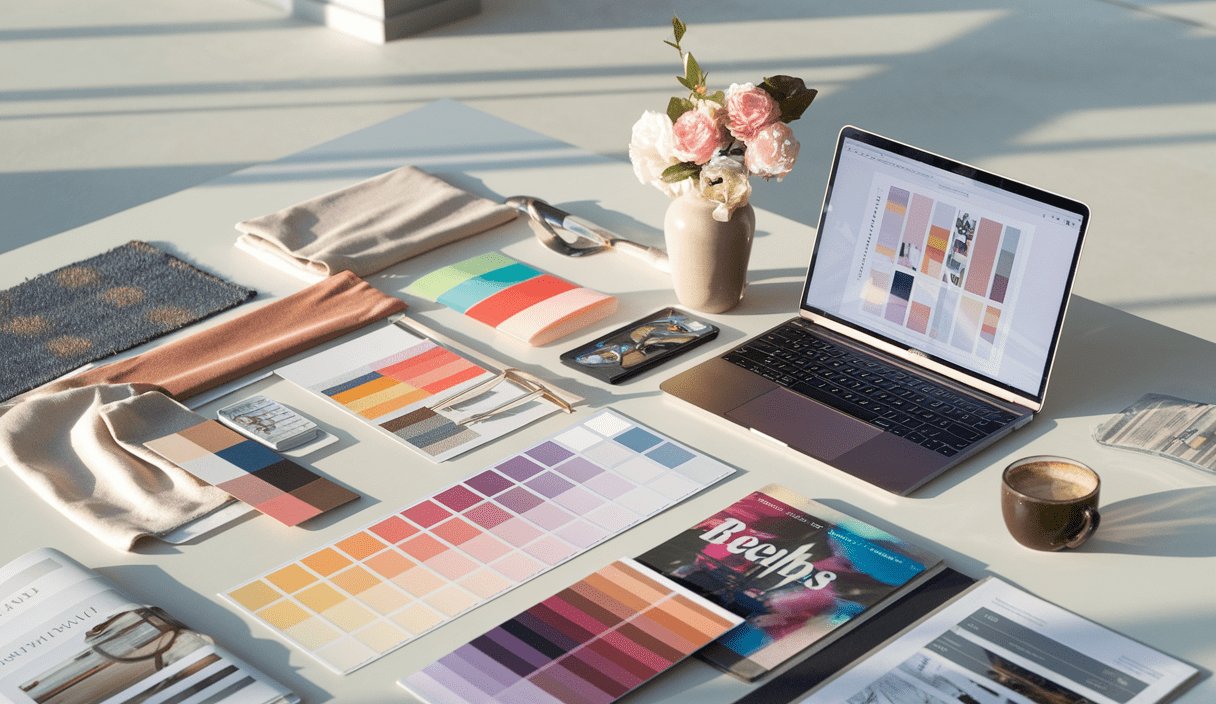
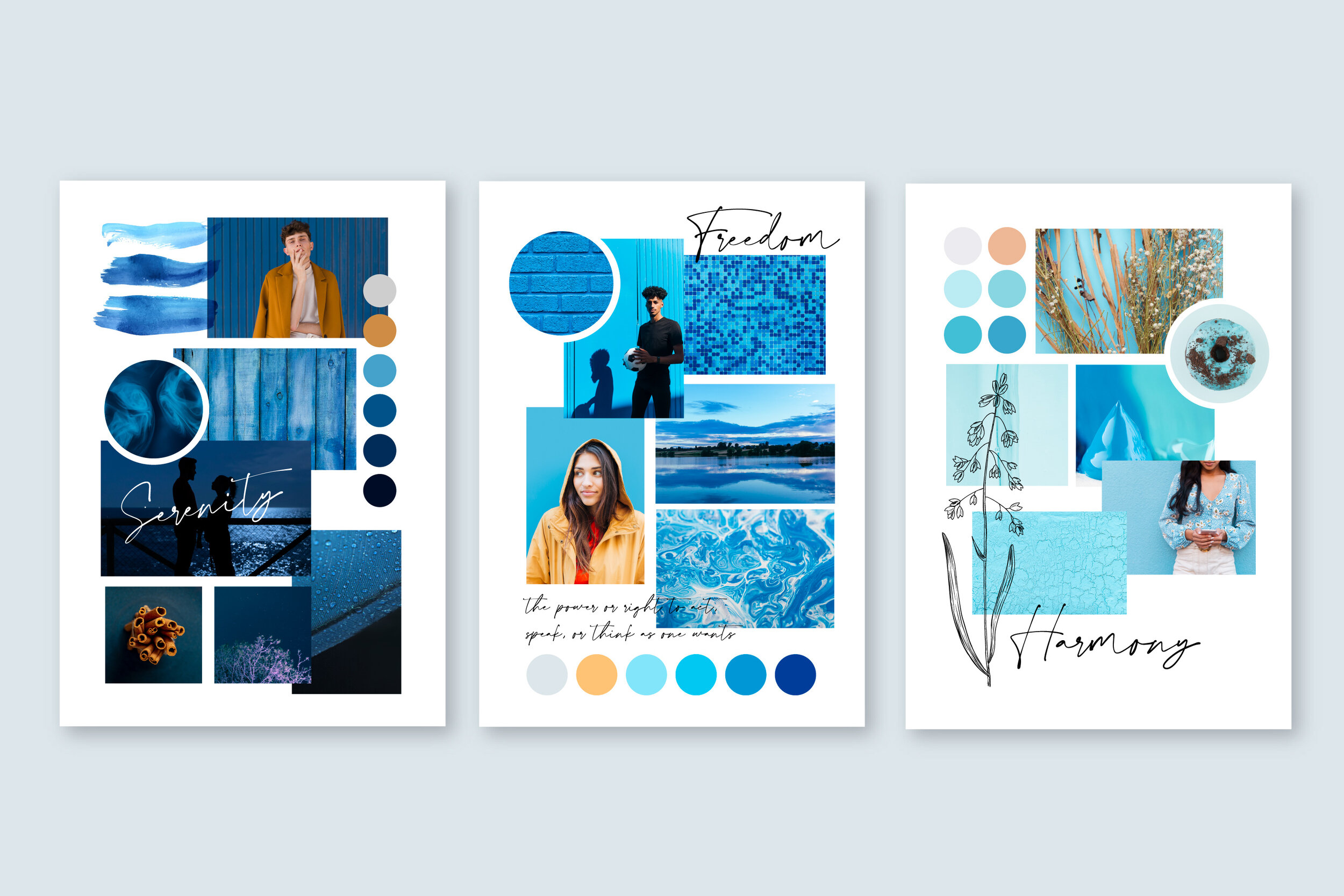
Learning How to Create a Mood Board is one of the fastest ways to clarify ideas and shape a project’s visual direction. Whether you’re planning a room, a wedding, a brand identity, or a creative project, a mood board helps you collect colors, textures, and images that set the tone.
Mood boards turn fuzzy thoughts into clear visuals. They help you:

Use a mood board at the start of creative projects: interior design, branding, photo shoots, party planning, or web design. A quick board prevents wasted effort and keeps everyone aligned.
Both work well. Digital mood boards are easy to edit and share. Physical boards feel tactile and can spark different creative choices. Try both to see which matches your process.
Popular options include Canva (great for beginners), Pinterest (for collecting inspiration), Adobe Illustrator (for precise layout), and simple collage apps. Canva offers ready-made templates to speed up the process — see their mood board creator here.
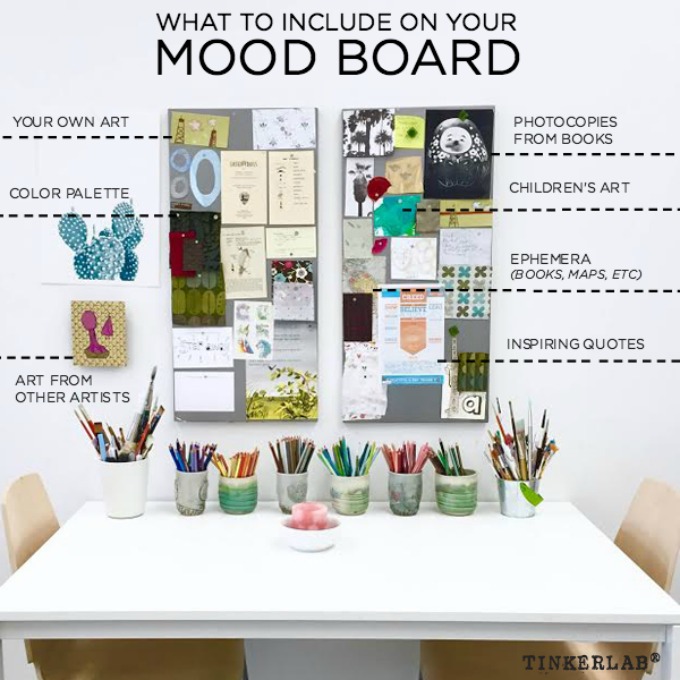
Follow these steps to build a focused, inspiring mood board. Each step is short and practical.
Ask: what am I trying to communicate? A mood (calm, energetic), a palette (warm neutrals), or a concept (modern farmhouse)? Write a one-sentence brief to keep the board on track.
Gather images, textures, fonts, and color swatches. Use magazines, fabric samples, or online sources. Bookmark or download anything that feels right.
Decide if this board is for presentation (large, polished) or brainstorming (simple collage). Common digital sizes: 1920×1080 px or Instagram-friendly squares. For print, choose A3 or poster size.
Limit your palette to 3–5 core colors. Too many options dilute the mood. Use color swatches or small blocks of color on your board to test combinations.
Arrange elements so a viewer understands priority at a glance. Place the strongest image or color at the center or top-left. Group similar textures and images together.
Short captions, font samples, or keywords help explain choices. Keep labels minimal — mood boards communicate visually first.
Step back. Remove anything that distracts from the main mood. Keep only what supports the central feeling.
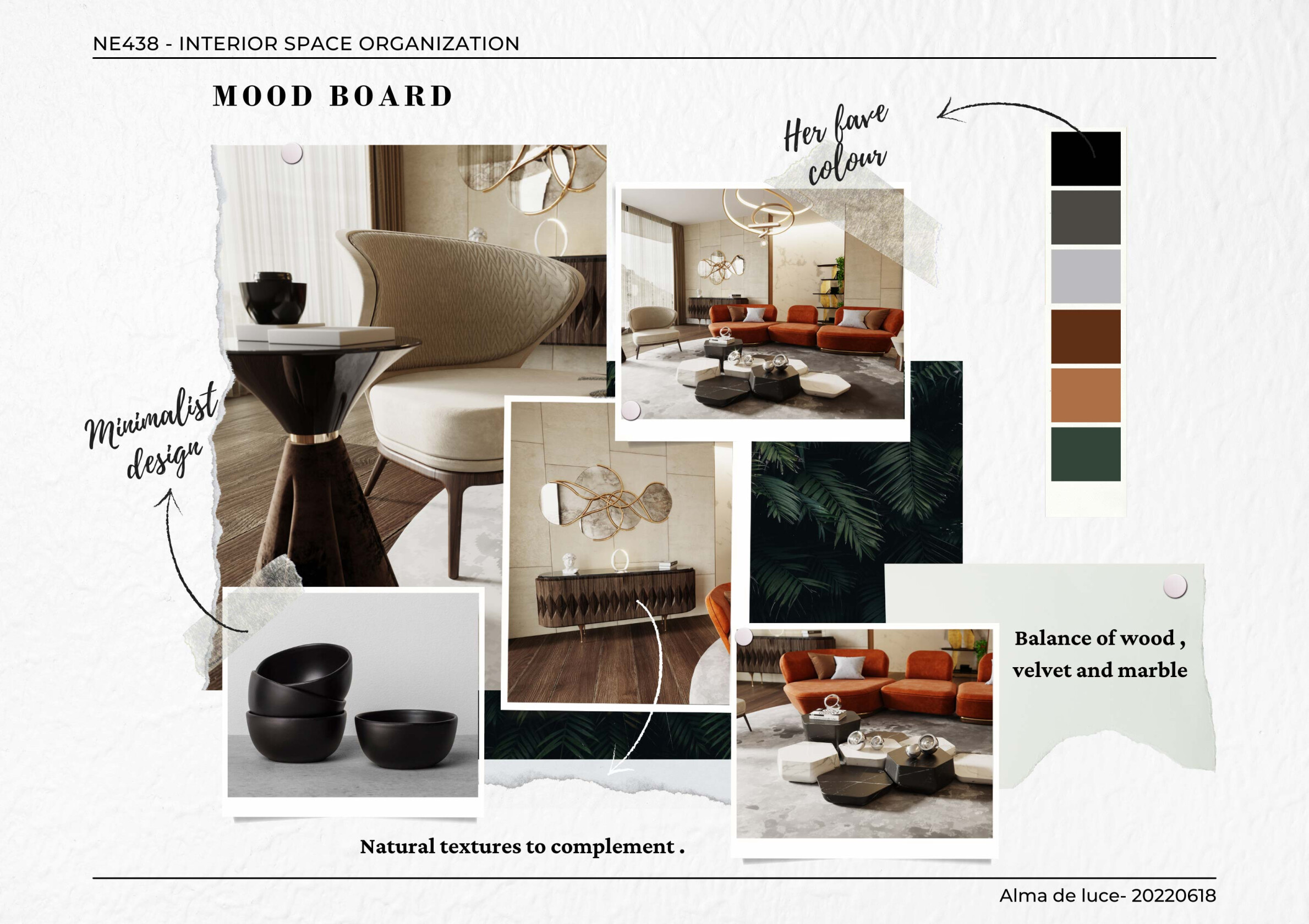
Here are practical ways to build a mood board based on your comfort level:
Canva makes it fast with templates and drag-and-drop editing. Try their mood board creator to get started: Create Inspiring Mood Boards Online with Canva. Pinterest is ideal for gathering inspiration and seeing related images.
Use collage apps or slide software to arrange items quickly. These tools give more control than basic templates but keep editing simple.
For precision, layout, and print-ready boards, Illustrator or InDesign let you align elements perfectly and export high-quality files. If you’re doing interior boards, check guides from Centered By Design and Greenhouse Studio for process ideas.
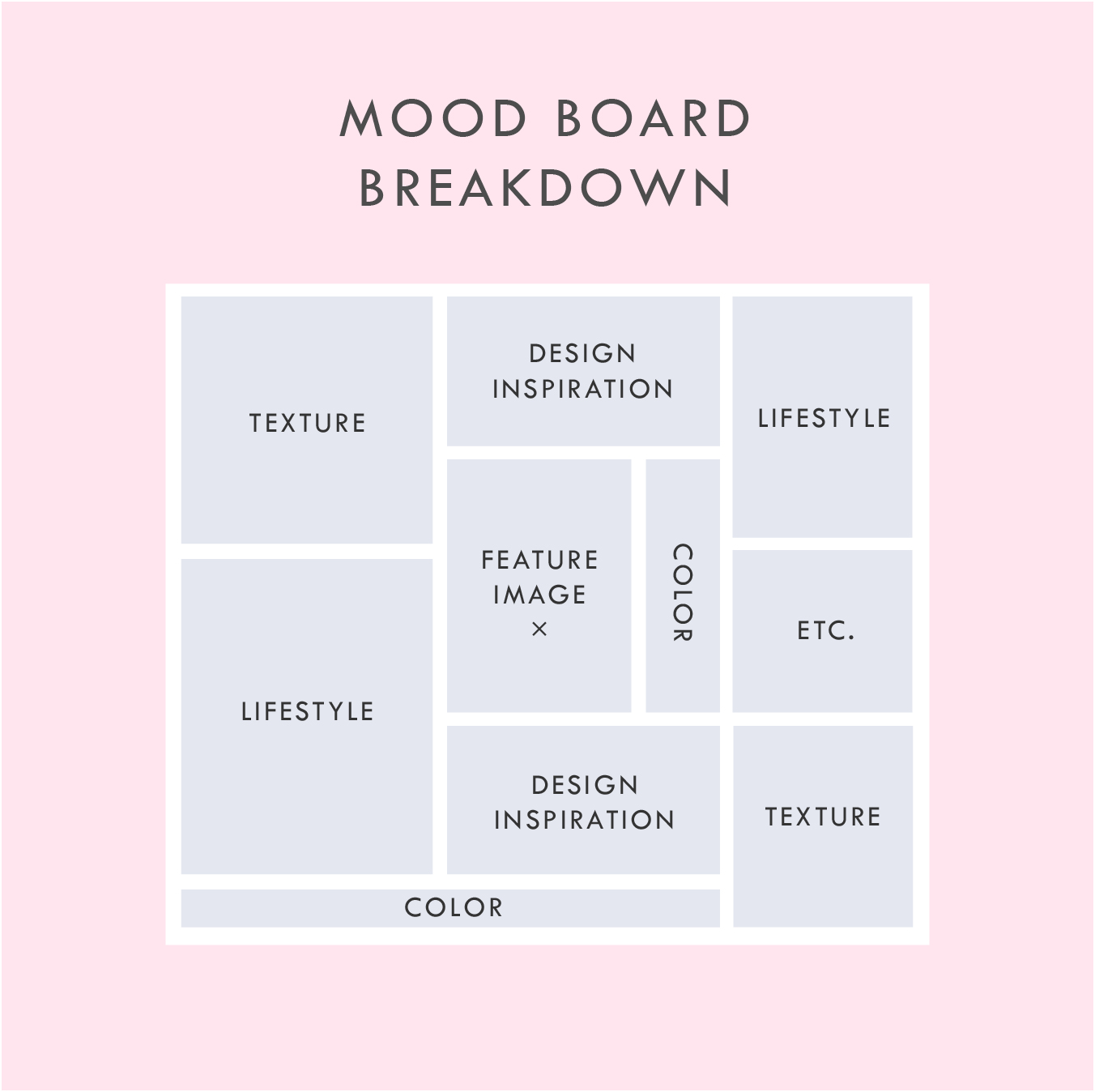
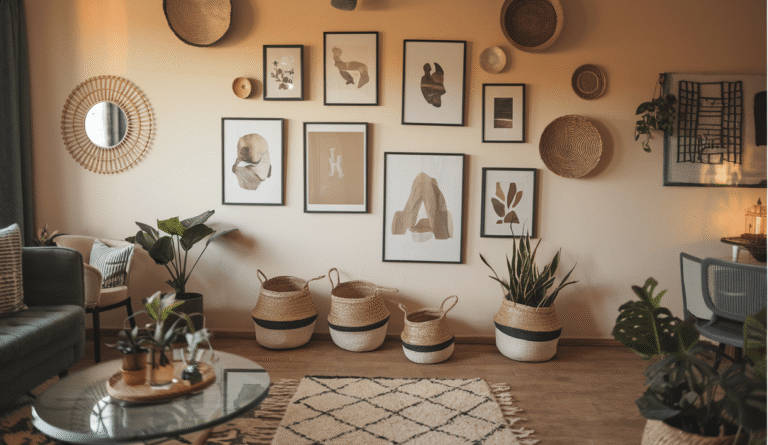
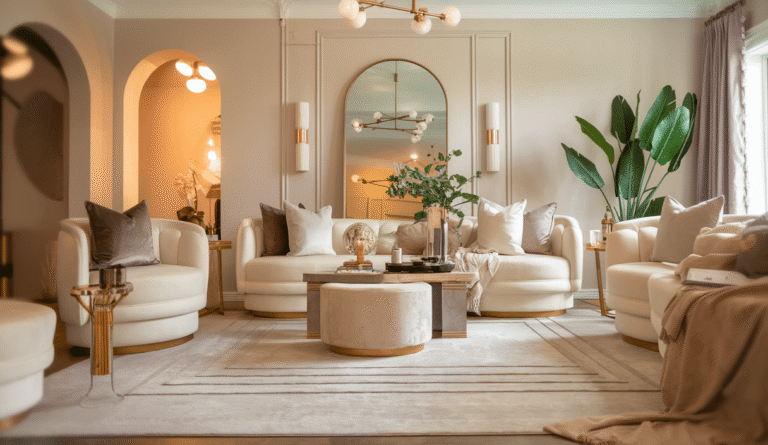
Interior mood boards show paint colors, fabric swatches, finishes, and furniture photos. See interior-specific examples and workflows at Centered By Design and Greenhouse Studio.
Brand boards focus on logo concepts, color codes, typography, and imagery that reflect the brand’s voice.
Wedding mood boards pair florals, table settings, and color palettes to craft an event’s emotional atmosphere. For community advice on quick digital boards for events, you can browse threads like this one on Reddit: Best way to make a digital mood board.
Watch a short tutorial to see the step-by-step process in action. The clip below shows how to assemble and refine a mood board quickly.
Many creators ask similar things when they first start making mood boards. Below are quick answers to the most frequent questions.
A focused mood board can take 30 minutes to a few hours. If you research extensively, it may take longer. Start with a small, fast board and iterate.
For private use, collecting images for inspiration is fine. For client presentations or public sharing, use licensed images, original photography, or images labeled for reuse.
An effective mood board communicates a clear emotional direction. It uses a tight color palette, consistent imagery, and a clear focal point.
How to Create a Mood Board is a practical skill you can refine by doing. Start small, reuse templates, and keep your brief close by so every choice supports the same mood.
Need more inspiration? Check out community tips and examples on Reddit and design blogs to see how other creatives build boards for weddings, branding, and interiors.
For examples and additional tutorials, explore resources like Canva’s mood board creator and articles from Centered By Design and Greenhouse Studio. For quick community-driven tips on digital mood boards, see the Reddit discussions linked above.
Use these steps and tools to build mood boards that speak clearly and inspire action. With practice, creating mood boards becomes a fast and enjoyable part of any creative workflow.
Conclusion: Ready to try your first board? Start small, stay focused, and refine as you go. Explore more guides and creative tools at zenpulsehub.com to keep developing your design skills.